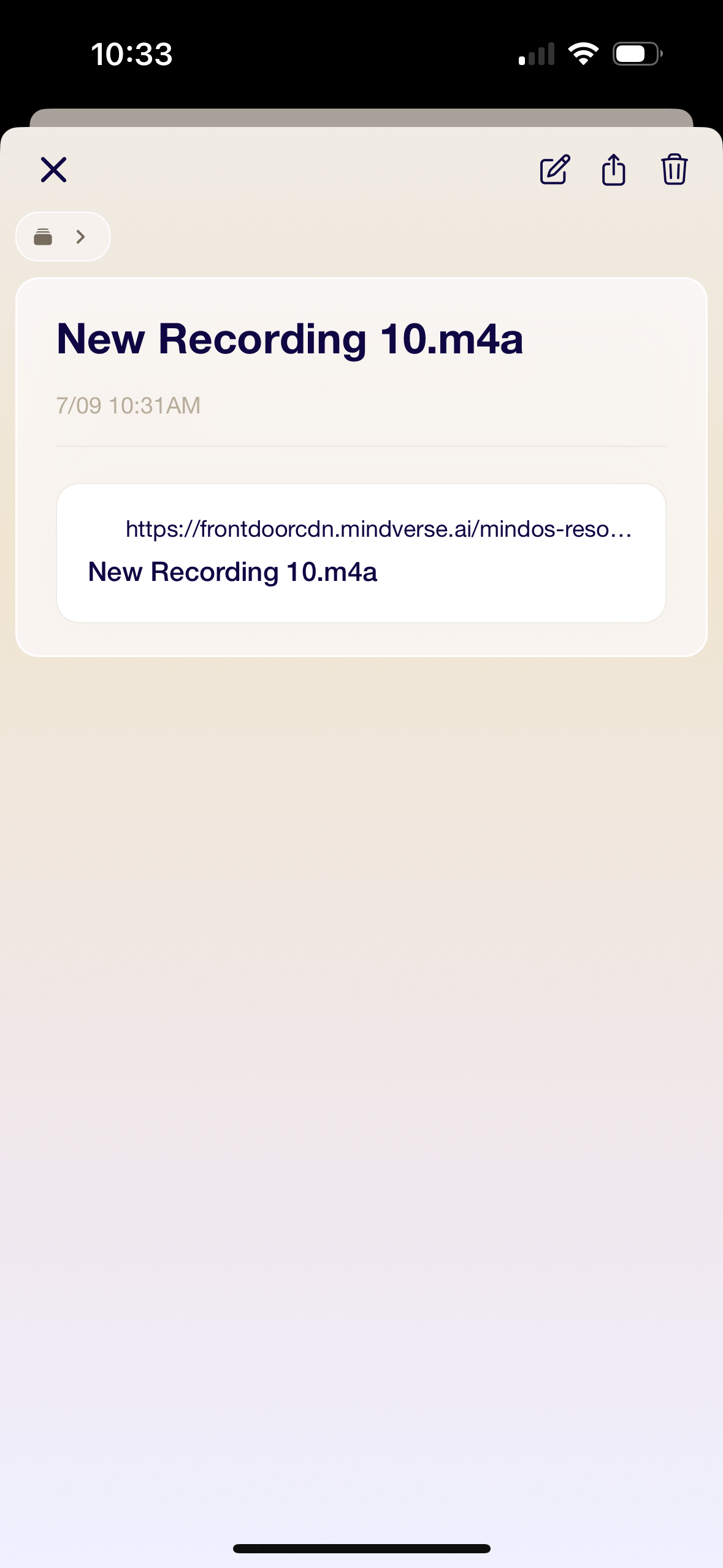
Thank you for your feedback on the shared voice recording UI.
Regarding your suggestion to show a play button with an in-app audio player instead of a server link, could you please provide some additional details?
1. How do you currently create the memory? Did you use the “add-link” feature to create the memory?
2. What’s your use case for this feature? Are you looking to upload an existing voice memo, or is there another scenario you have in mind?
Your input will help us better understand your needs and work towards implementing a more user-friendly solution.
Pink Rice
•
Jul 9, 2024
No. the voice note is shared from apple voice app via apple share sheet interface.
so there are two use cases, first one as I’m moving some of my data to me.bot and I have so many voice notes which includes or most of them are music related where I don’t much care about the transcription part but if it works great but they are not in English. Second to make a voice note in Apple voice app because it allows me to edit the note because it is music related vocal notes so it need basic editing sometime. So I prefer to make that and then share it to me, but for a memory.
Log in to comment and vote
Comments2
Ryan
Jul 9, 2024
Hi Mah,
Thank you for your feedback on the shared voice recording UI.
Regarding your suggestion to show a play button with an in-app audio player instead of a server link, could you please provide some additional details?
1. How do you currently create the memory? Did you use the “add-link” feature to create the memory?
2. What’s your use case for this feature? Are you looking to upload an existing voice memo, or is there another scenario you have in mind?
Your input will help us better understand your needs and work towards implementing a more user-friendly solution.
Pink Rice
Jul 9, 2024
No. the voice note is shared from apple voice app via apple share sheet interface.
so there are two use cases, first one as I’m moving some of my data to me.bot and I have so many voice notes which includes or most of them are music related where I don’t much care about the transcription part but if it works great but they are not in English. Second to make a voice note in Apple voice app because it allows me to edit the note because it is music related vocal notes so it need basic editing sometime. So I prefer to make that and then share it to me, but for a memory.